Understanding TradingView: Key Features for Modern Traders
In the dynamic world of trading, having the right tools can significantly impact your success. Among these tools, TradingView stands out as a comprehensive platform that caters to the needs of traders across various markets. This article will explore TradingView's capabilities, including its charting features, alert system, and multi-device accessibility, providing insights into how traders can maximize their trading strategies using this powerful tool.
What TradingView Offers to Traders?
TradingView is more than just a charting tool; it serves as an integrated platform for market analysis, social networking, and trading. Traders can access real-time data across numerous markets, including stock exchanges, forex, cryptocurrencies, and commodities. With its user-friendly interface, TradingView allows traders to:
- Create detailed and customizable charts with various timeframes.
- Set alerts based on specific price levels or technical conditions.
- Utilize a vast library of indicators and drawing tools for in-depth technical analysis.
- Engage with a global community of traders to share insights and strategies.
These features make TradingView an attractive option for traders at all experience levels, from beginners to seasoned professionals looking to enhance their trading strategies.
Core Charting Capabilities of TradingView
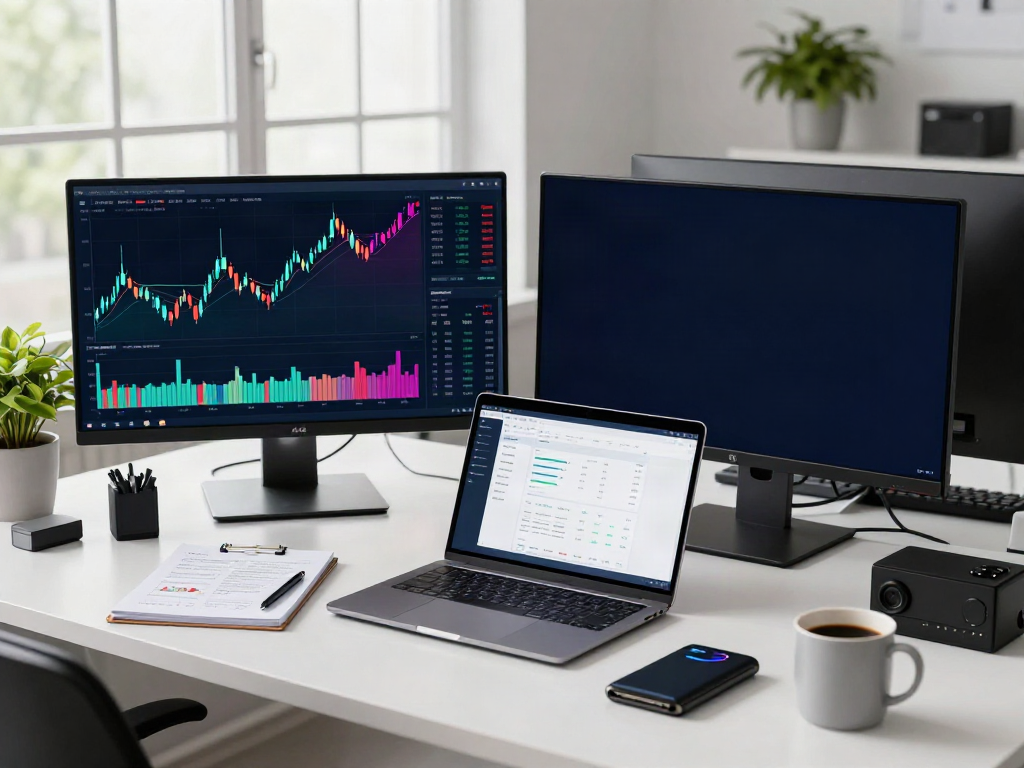
Charting is at the heart of any trading platform, and TradingView excels in this area. Users can switch seamlessly between different timeframes—from minutes to weeks—allowing for both short-term and long-term analysis. The platform supports multiple chart types, including:
- Line Charts
- Candlestick Charts
- Bar Charts
- Renko and Point & Figure Charts
Traders can also overlay indicators such as moving averages, RSI, MACD, and Bollinger Bands directly on their charts. This functionality aids in making informed trading decisions based on technical analysis.
Setting Alerts: A Game Changer for Monitoring Markets
One of the standout features of TradingView is its alert system. Alerts can be set for price movements, technical indicators, or any specific condition that the trader deems important. This functionality alleviates the need for constant monitoring of the charts, allowing traders to focus on other tasks while staying informed about market changes. Alerts can be sent via:
- Email notifications
- Mobile push notifications
- Webhook integrations for automated trading systems
Setting alerts helps traders to react quickly to market conditions, which is vital in fast-moving markets.
Maximizing Trading Efficiency with Multi-Device Access
In today’s fast-paced trading environment, having access to your trading platform from various devices is crucial. TradingView ensures that traders can operate efficiently, whether at a desk or on the go.
Cross-Platform Trading: Access Anywhere, Anytime
TradingView offers extensive support across different platforms, including Windows, macOS, and Linux for desktop users, as well as iOS and Android for mobile users. This allows traders to:
- Monitor their positions in real-time from any location.
- Engage in market analysis without being tied to a single device.
- Switch between devices and maintain uninterrupted trading, thanks to cloud synchronization.
Synchronization of Workflows Across Devices
One of the key advantages of TradingView is its ability to synchronize workflows across devices. When a trader makes changes on one device—whether setting an alert or adding a new indicator—these updates reflect instantly on all other devices connected to the account. This synchrony is vital for ensuring that traders have access to the most current information and analysis, especially during volatile market conditions.
Desktop vs. Mobile: Choosing the Right Platform
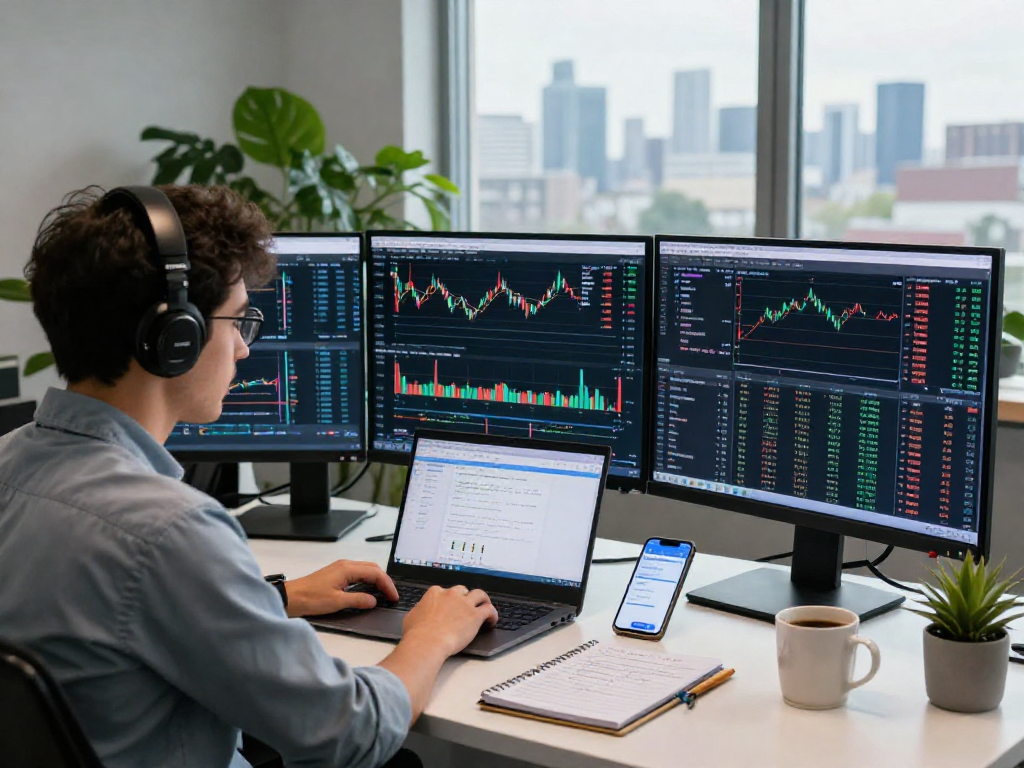
Choosing between desktop and mobile versions of TradingView often depends on the trader's needs. The desktop version offers a more expansive view with multi-monitor support, making it ideal for serious traders who engage in extensive analysis. In contrast, the mobile version enables quick checks and adjustments while on the move, providing flexibility and convenience.
Setting Up Effective Alerts on TradingView
How to Create Price Alerts on TradingView?
Creating alerts in TradingView is straightforward. Here’s how to set price alerts:
- Open the chart of the asset you wish to monitor.
- Right-click on the price level where you want to set the alert.
- Select “Add Alert” and configure your alert conditions.
- Choose your notification settings, including how you want to be alerted.
- Click “Create” to set your alert.
This user-friendly process ensures that traders can set up multiple alerts quickly to stay ahead in the markets.
Understanding Technical Alerts: A Trader's Tool
In addition to price alerts, TradingView allows traders to set technical alerts based on specific conditions using indicators. For example, traders can set an alert for when the RSI crosses above a certain threshold or when a moving average crossover occurs. This feature is invaluable for those who rely on technical analysis to inform their trading decisions.
Best Practices for Managing Your Alerts
To get the most out of TradingView's alert system, consider these best practices:
- Regularly review and adjust your alerts as market conditions change.
- Prioritize the most important alerts to avoid notification overload.
- Utilize alerts to enhance your trading strategy rather than reactively responding to market noise.
Market Analysis Techniques with TradingView
Utilizing Technical Indicators for Better Decisions
Technical indicators are essential tools for traders, and TradingView's extensive library enables users to utilize various indicators to enhance their trading strategies. Popular indicators such as moving averages, Fibonacci retracement levels, and oscillators like MACD can help traders identify trends and potential reversal points in the market.
Creating Watchlists: Focusing on What Matters
TradingView allows users to create personalized watchlists to keep track of specific assets. This feature is especially useful for traders who want to monitor certain stocks, forex pairs, or cryptocurrencies without becoming overwhelmed by the vast array of available options. By focusing on a tailored watchlist, traders can streamline their analysis and decision-making processes.
Leveraging Community Scripts and Strategies
Another advantage of TradingView is its vibrant community of traders who share scripts and trading strategies. Users can access thousands of community-generated scripts in the public library, providing opportunities to explore new trading methodologies and refine their existing strategies based on collective insights.
Future Trends in Trading Technology: What’s Ahead for 2026?
The Rise of AI in Trading Analysis
As technology continues to evolve, artificial intelligence (AI) is expected to play a significant role in trading analysis. TradingView is likely to integrate AI-driven tools that analyze vast datasets to identify patterns and trends, providing traders with enhanced analytical capabilities.
Integrating New Technologies into TradingView
In the coming years, we can anticipate TradingView to incorporate more advanced technologies, such as machine learning and predictive analytics. These technologies may offer traders unprecedented insights into market behavior, enabling them to make more informed decisions based on data-driven predictions.
Preparing for Evolving Market Dynamics
As markets continue to change, traders must adapt their strategies accordingly. TradingView’s commitment to innovation means it will remain a vital resource for traders looking to navigate future market dynamics effectively. The platform’s continuous updates and enhancements are designed to meet the evolving needs of traders in a rapidly changing financial landscape.
What are the key features of TradingView?
Some of the key features of TradingView include advanced charting tools, customizable alerts, a variety of technical indicators, and extensive community engagement. These features collectively empower traders to conduct thorough analysis and execute trades effectively.
Is TradingView suitable for beginners?
Yes, TradingView is designed to cater to both beginners and experienced traders. The user-friendly interface and ample resources for learning make it an excellent choice for those new to trading, while its advanced functionalities satisfy the needs of seasoned professionals.
How does TradingView compare to other platforms?
TradingView distinguishes itself from other platforms through its strong community aspect, extensive charting capabilities, and customizable user experience. Unlike many competitors, TradingView offers a free tier with functional capabilities, allowing traders to sample the product before opting for a paid subscription.
Are alerts customizable on TradingView?
Yes, alerts on TradingView are highly customizable. Users can set alerts based on price levels, technical indicators, or even combinations of different conditions, ensuring they receive notifications tailored to their individual trading strategies.
What devices can I use to access TradingView?
TradingView is accessible via multiple platforms including web browsers, mobile devices (iOS and Android), and desktop applications (Windows, macOS, and Linux). This flexibility allows traders to engage with the platform from virtually anywhere.